Properties & tenancies
Buildings, units, owners, tenants, rent terms, payment references, deposits, access details and property documents.
Repairs, rent, owners and compliance in one book.
For letting agents, property managers, maintenance businesses and facilities teams coordinating people, buildings and money.
UK AWS hosting · Connected records · Your review before action
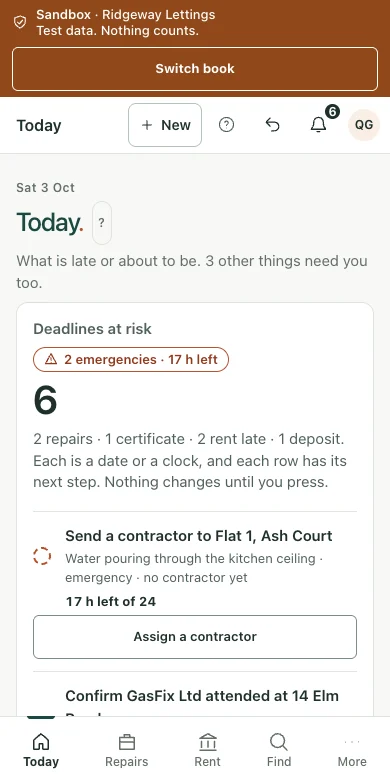
Keep the property, owner, tenant, assets and tenancy together.
Receive a repair, confirm priority and review its target.
Get an estimate, owner approval and contractor appointment.
Record attendance, check the bill and recharge agreed costs.
Match rent, check owner cash and send reviewed statements.
Buildings, units, owners, tenants, rent terms, payment references, deposits, access details and property documents.
Tenant reporting links, photographs, priority, target clocks, contractor assignment, work-order timeline and planned maintenance.
Contractor phone links, estimates, owner approval links, authorised spend rules, bill review and owner recharges.
Bank-matched rent, arrears, reviewed reminders, management fees, checked owner openings, actual client cash, remittances and statements.
Gas, electrical and EPC records, licences, deposit protection, expiry runway, contractor booking and evidence of notices served.
Asset register, service intervals, recurring work, purchase orders, contractor costs, property margins and relevant CIS records.
Group buildings, units, contacts, equipment and documents without losing the history of each location.
Record issues with photos, a LiDAR room scan where it helps, priority and access details; assign an owner and target date.
Schedule repeat inspections, servicing and seasonal tasks with upcoming work visible in the planner.
Collect estimates, assign visits and track attendance and completion evidence.
Record how to get in — keys, codes, who to ring, when it suits the occupant — on the property and on the work order, so it reaches the engineer going and nobody else has to be telephoned.
Organise certificates, warranties and service records with review and expiry reminders.
Route estimates for approval, track purchase orders and compare costs by property or owner.
Summarise completed work and link approved charges, invoices and payments to the property.
Keep the context, the records and the next action together. The wider desktop view gives you space to review the detail.
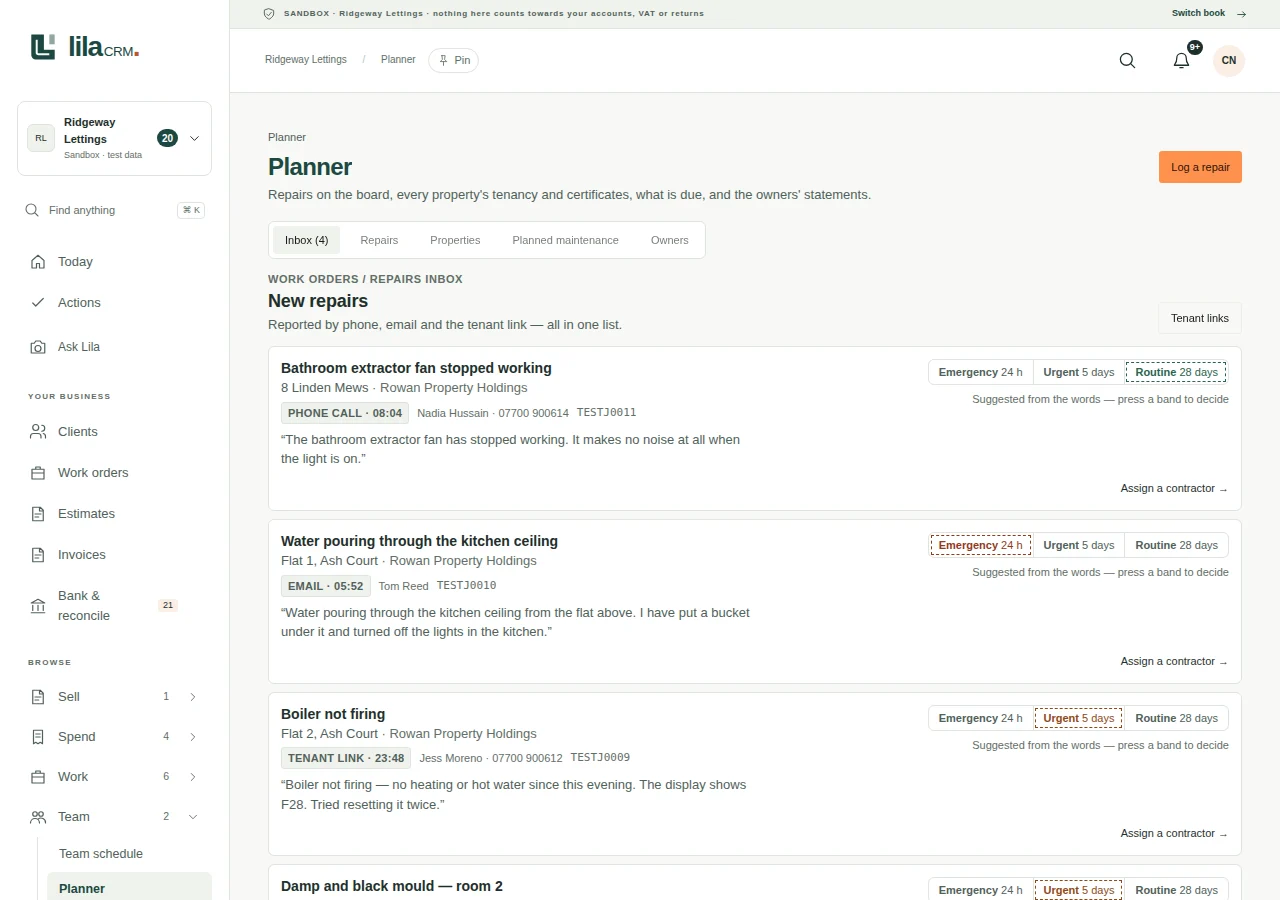
Move from the overview to the source record, with documents and financial history close to hand.
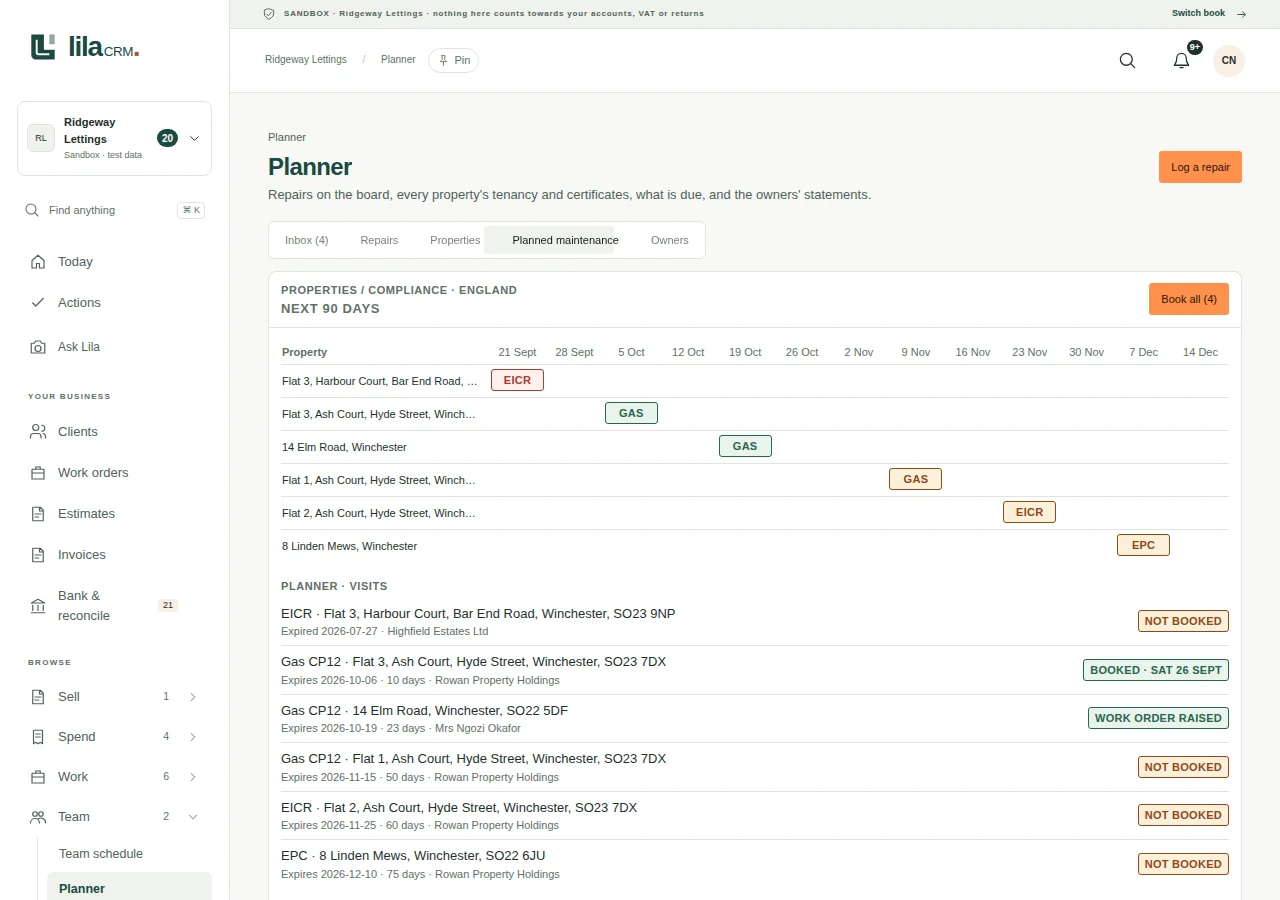
A complete business-finance workspace alongside the specialist tools. Keep the original record, the decision and the financial result connected.
Feeds and imports; multiple accounts; consent status; duplicates; matches; splits; part payments; transfers; rules; undo; evidence links.
Quotes; acceptance; branded invoices; stages and recurring series; payment links; credit notes; aged debtors; statements; reviewed reminders.
Suppliers; bills; purchase orders where enabled; receipts; expense allocation; due dates; recurring costs; credits; mileage; committed costs.
Revenue; profit and loss; balance-sheet working; cash forecasts; aged debtors and creditors; WIP; margins; budget versus actual.
Versioned files; library; tags; search; messages; correspondence; forms; questionnaires; approved sharing; retention and change history.
Enquiries; contact follow-up; proposals; internal projects; marketing and consent controls where the relevant module is enabled.
Capture, read, check, code and reconcile. Keep the original and the decision together.
Photograph receipts, add PDFs or share documents from your phone. Keep the upload status visible and retain the original for review.
Use supported supplier connections to collect invoices. Bring email attachments and correspondence into the document inbox.
Review extracted dates, totals, VAT and supplier details. Flag possible duplicates, unclear documents and uncertain work order allocations.
Set supplier, category, value and VAT rules within agreed authority. Routine entries follow those rules; exceptions ask a specific question.
Allocate purchases, mileage and disbursements to the correct work order. Keep private, business and client-money treatment distinct.
Match bank entries to bills and invoices, handle part payments and splits, review unmatched items and retain a visible correction history.
Give the adviser the records, context and working papers behind the numbers, with controlled access to the correct book.
Invite your accountant or bookkeeper with the permissions they need. Shared-book membership and authority to act for HMRC remain separate.
Inspect transactions, source documents, reconciliations and unresolved questions. See missing information and estimates before completing the accounts.
Review the ledger, opening balances, trial balance, journals, fixed assets, depreciation and relevant loan or director-account working records.
Export sales and purchases, nominal entries, aged balances, bank reconciliation, VAT/CIS records, hours and supporting documents with a file manifest.
Prepare the applicable year-end, Self Assessment, company accounts and Corporation Tax working information for the entity and accounting period.
Resolve requests, record adjustments and retain the review trail. Hand over documents and exports without confusing a draft with an accepted filing.
Service coverage follows the legal entity, accounting period and enabled workflow. The person with the required authority approves final filings.
Connect the appropriate HMRC VAT service, review obligations and the nine-box return, trace figures to records and retain submission receipts where filing is enabled.
Organise self-employment and property records, quarterly-update figures, annual tax information and calculation reviews. The applicable taxpayer, year and service determine the route.
Use CIS verification and deduction records, payroll/PAYE working information and Gift Aid schedules where relevant. Each connection shows its own readiness and authority requirements.
Keep company identity, filing dates, accounts preparation and company-document history alongside the books. Companies House is a separate service from HMRC.
Review the service, account, taxpayer, consent and authorisation. An accountant invitation does not grant government-agent authority.
Distinguish preparation, ready for review, sent, waiting and accepted. Keep the original acknowledgement; a saved local record is not an HMRC acceptance receipt.
Direct submission is available only for enabled services with verified production access and the required authority. Other workflows provide preparation, exports or external-filing records. CT600, statutory accounts and payroll RTI filing are separate from the preparation tools.
Data is held within the United Kingdom on Amazon Web Services (AWS). Keep control of the AI features you enable and the information they process.
Enable or disable configured AI features to suit your work and data-protection policies. Core record keeping remains usable without AI.
Selected features use locally hosted large language models within the controlled environment. In local-only mode, their inputs and outputs are not sent to external LLM services.
External AI services require provider settings and terms that prohibit using practice inputs and outputs to train their models. Review the provider, processing location, retention and permitted data before enabling a service.
Use separate books, roles, passkeys, revocable access, document history and exports. These controls support UK GDPR compliance alongside lawful use, appropriate agreements and your own procedures.
Keep a copy of the illustrated brochure, or tell us about the records and workflows that matter to you.